How AI Cleans HTML Before Converting to DOCX
Introduction
Exporting a web page to DOCX sounds simple in theory. In reality, raw HTML is messy.
Web pages contain broken tags, inline JavaScript, tracking scripts, hidden elements, embedded media, and deeply nested structures that were never meant to become clean documents.
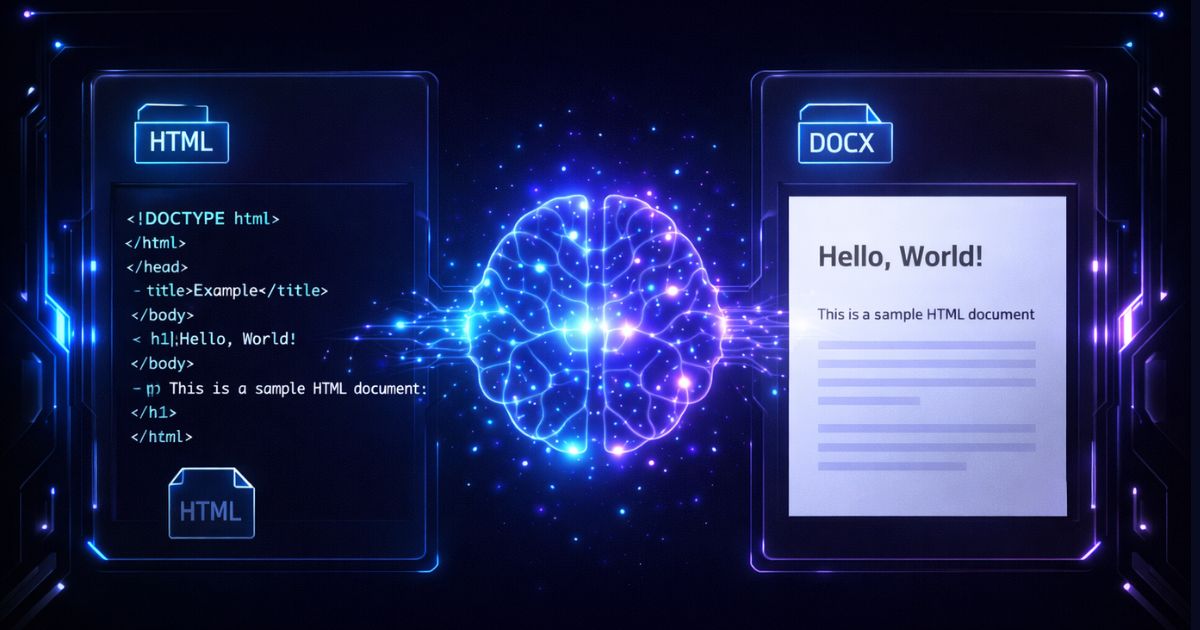
Before conversion, AI pre-processing can normalize common HTML patterns and reduce unwanted content. The resulting DOCX may be more readable and structured, but it still requires review.
Here is how AI transforms chaotic HTML into a clean Word document.
The Problem with Raw HTML
Web content is built for browsers, not for document editors.
Common HTML Issues
If you convert raw HTML directly into DOCX, the result is unpredictable. Formatting breaks, text overlaps, tables collapse, and unnecessary elements appear in the document.
AI pre-processing may reduce these issues before export.
Step 1: Removing Broken and Invalid Tags
HTML in the real world is rarely perfect. Missing closing tags and malformed nesting structures are common.
What AI Does
Instead of blindly converting flawed markup, AI can reconstruct a cleaner structural tree. This may help headings, paragraphs, and lists appear correctly in the final DOCX.
Step 2: Stripping Scripts and Inline Code
Web pages contain JavaScript for analytics, popups, dynamic rendering, and tracking. None of this belongs in a document.
Why This Matters
Scripts can break formatting, introduce security risks, and create invisible artifacts in exported files.
AI Pre-Processing Step
AI automatically removes script tags, inline event handlers, tracking pixels, and embedded analytics code.
The process attempts to retain meaningful content while removing these elements. Review the result for missing content and security requirements.
Step 3: Filtering Unsafe or Unsupported Media
Word documents do not support every web media format.
Embedded iframes, autoplay videos, and interactive elements cannot translate directly into DOCX.
AI Media Handling
Instead of broken objects, the DOCX file contains readable content with properly embedded visuals.
Step 4: Converting Layout-Based HTML into Structured Documents
Web design often relies on CSS positioning and visual layout tricks. Word documents rely on semantic structure.
The AI Transformation
AI maps HTML elements to Word document styles. Heading tags become Word heading styles. Paragraph tags become paragraph styles. Ordered and unordered lists become formatted lists. Table elements become structured Word tables.
Instead of copying visual layout, AI attempts to map semantic meaning. This can make the exported DOCX easier to edit, though formatting should be reviewed.
Step 5: Removing Noise and Non-Content Elements
Web pages contain navigation bars, sidebars, cookie banners, ads, and footer links. These elements are irrelevant in a document.
AI Content Extraction
AI models identify the main content block using structural signals such as:
By identifying a likely primary article or data section, AI may reduce surrounding noise. Check the final DOCX for omitted or incorrectly retained content.
Why AI Cleaning Matters Before DOCX Export
Without pre-processing, HTML-to-DOCX conversion produces broken formatting, bloated files, security risks, and poor readability.
With AI cleaning, common structures may be normalized and some unwanted content reduced. Formatting, file size, and security still depend on the source and conversion settings.
Pre-processing can improve conversion results, but it does not remove the need to review the exported document.
Real-World Impact
For businesses exporting reports, research content, or archived web pages, AI cleaning may reduce common cleanup work.
Cleaner Formatting
Some documents may require less manual editing after export; complex pages can still need correction.
Faster Workflows
Cleaner input may reduce time spent fixing layout issues.
Higher Reliability
Batch results can vary across source pages and should be sampled and reviewed.
Conclusion
HTML was never designed to become a Word document directly. It must be cleaned, structured, and optimized first.
AI pre-processing can bridge the gap between web content and professional documentation. By normalizing broken tags, reducing scripts, filtering unsupported media, and reconstructing semantic structure, it may produce cleaner, more editable DOCX exports.
Before conversion happens, intelligence happens first. That is what makes modern document automation truly powerful.