AI Summarization vs Full Document Export: When to Use Each
Introduction
When working with web content, reports, or long-form articles, you often face a decision:
Should you generate a concise AI summary, or export the full document?
Both options are powerful. Both serve different purposes.
Understanding when to use AI summarization and when to choose full document export can dramatically improve your efficiency and workflow clarity.
Here's how to decide.
What Is AI Summarization?
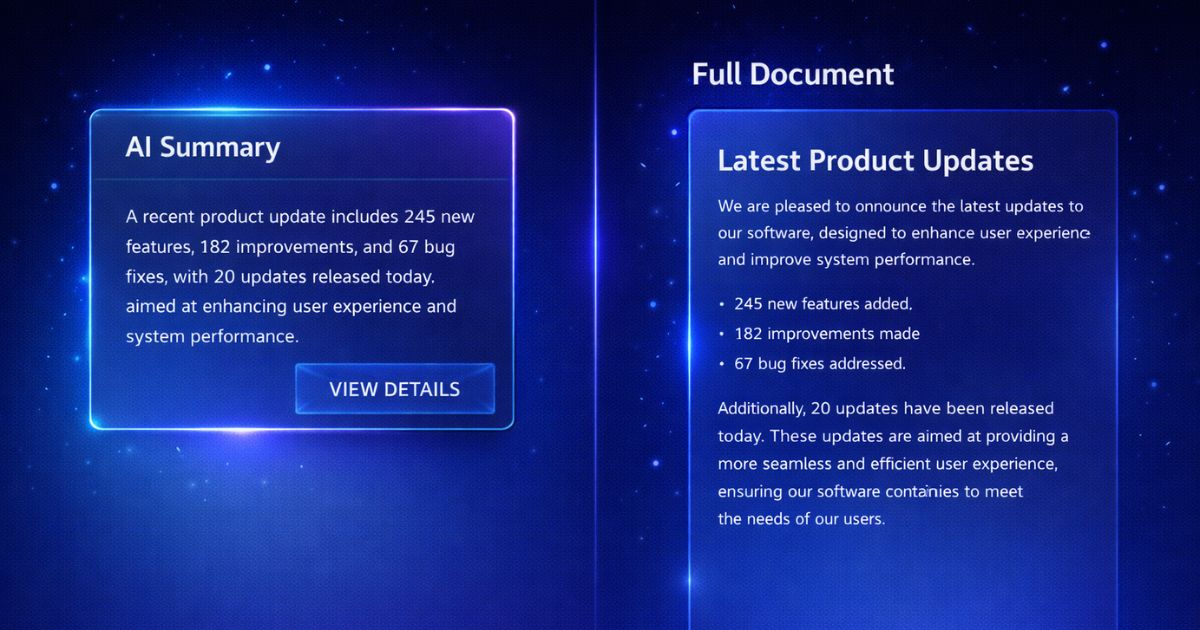
AI summarization analyzes a document and produces a shorter version that captures the key ideas.
It can generate:
The goal is speed and clarity.
Instead of reading every word first, you can use a summary for an initial review. Summaries may omit or distort context, so check the source before relying on them.
What Is Full Document Export?
Full export converts the entire content — including text, headings, tables, and images — into a structured file format such as:
Full export attempts to retain source text, headings, tables, and images for editing, archiving, or distribution. Conversion limits can omit or alter content, so review the output.
The goal is to retain more source detail than a summary, not to guarantee completeness or accuracy.
When to Use AI Summarization
AI summaries are ideal when speed matters more than detail.
1. Quick Research Review
If you're scanning multiple sources, summaries help you identify which documents deserve deeper attention.
2. Executive Briefings
Leaders often need insights, not raw data. A summary delivers strategic value without overwhelming detail.
3. Content Filtering
Before archiving or exporting, summaries help determine whether a document is worth saving.
4. Learning and Knowledge Retention
Condensed explanations improve comprehension and memory, especially for complex topics.
The Advantage
However, summaries intentionally remove nuance and supporting detail.
When to Use Full Document Export
Full export may be preferable when source detail matters, but the exported file still needs verification.
1. Legal and Compliance Documentation
Contracts, policies, and regulatory documents may require review against the authoritative source. A summary alone is not sufficient.
2. Data Analysis
Tables, charts, and numerical datasets should be checked against the source before evaluation.
3. Archiving and Record Keeping
If you need a local reference copy of a web page or report, a full export can retain more source detail, subject to conversion limits and later source changes.
4. Editing and Collaboration
Teams working in Word or Excel can use the exported structure for revisions and annotations after checking it against the source.
The Advantage
The trade-off is time and file size compared to summaries.
Efficiency Strategy: Combine Both
The most productive workflow often uses both methods strategically.
Step 1: Summarize First
Generate an AI summary to quickly evaluate relevance.
Step 2: Export Selectively
If the document is important, export the full version for storage, analysis, or sharing.
This two-step approach may reduce unnecessary exports while keeping full-source review available for important information.
Key Decision Framework
Ask yourself:
If clarity and speed matter most → use AI summarization.
If completeness and precision matter most → export the full document.
The Business Impact
Choosing the right method improves:
Instead of exporting everything blindly or relying only on summaries, you apply the right tool for the right situation.
Conclusion
AI summarization and full document export are not competing features.
They are complementary tools designed for different goals.
Summaries deliver speed and clarity.
Full exports can retain more source detail, subject to conversion limits and review.
The smartest workflows use both — strategically, intentionally, and efficiently.