PDF vs DOCX: Which Format Should You Use?
Introduction
Choosing the right document format can significantly impact readability, collaboration, security, and usability. Two of the most popular formats today are PDF and DOCX, but each serves very different purposes.
Let's break down when to use PDF vs DOCX and why.
What Is a PDF File?
PDF (Portable Document Format) is designed to keep layout and design relatively stable, though rendering can vary by viewer, fonts, and settings.
PDF Advantages
PDF Limitations
What Is a DOCX File?
DOCX is an editable Word document format focused on content creation and collaboration.
DOCX Advantages
DOCX Limitations
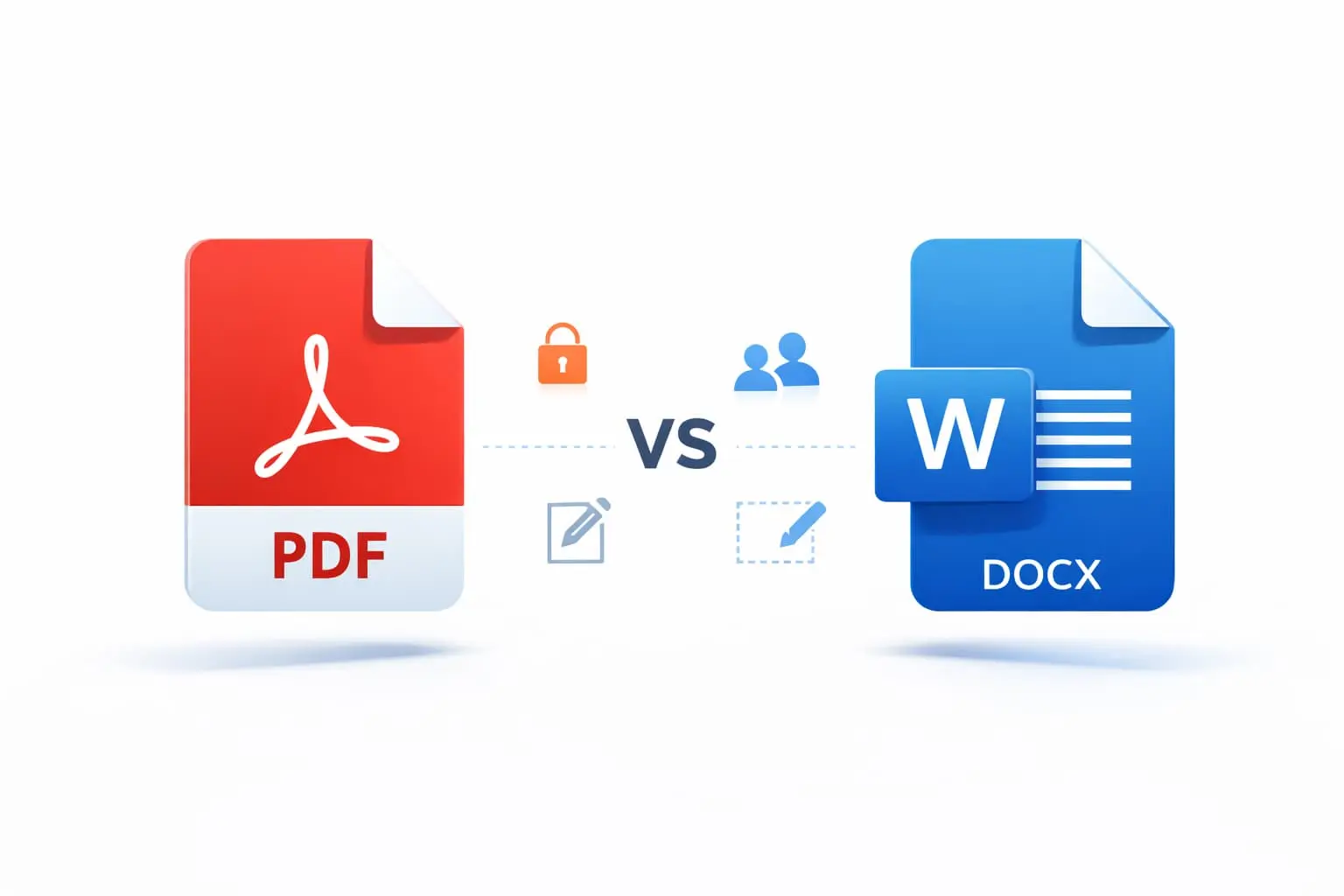
PDF vs DOCX: Side-by-Side Comparison
| Feature | PDF | DOCX |
|---------|-----|------|
| Editable | Limited | Yes |
| Formatting | Fixed | Variable |
| Collaboration | Viewer/tool dependent | Generally editable |
| Security | Feature and setting dependent | Feature and setting dependent |
| File Size | Content dependent | Content dependent |
| Professional Publishing | Common choice | Possible with review |
When Should You Use PDF?
Use PDF when:
PDF generally keeps layout stable, but fonts, viewers, embedded media, and export settings can affect rendering.
When Should You Use DOCX?
Use DOCX when:
DOCX is generally editable in compatible word-processing software, with collaboration features depending on the application and storage setup.
Hybrid Workflow (Best Practice)
Many professionals use both formats strategically:
1. Write and collaborate in DOCX — Draft, edit, get feedback
2. Export final version to PDF — Lock the design and formatting
3. Review security settings — Share the PDF using controls appropriate to the content
This workflow gives you flexibility during creation and professionalism for delivery.
Example Workflow
A marketing team creates a quarterly report:
Converting Between Formats
Sometimes you need to convert between PDF and DOCX:
PDF to DOCX
DOCX to PDF
Pro tip: When converting web content, Page2Doc lets you start an export to either format with one click and attempts to preserve the source layout. Review the result in the application you plan to use.
Final Verdict
There's no universal winner between PDF and DOCX. The right choice depends on your workflow, collaboration needs, and distribution goals.
Quick Decision Guide
| Situation | Best Format |
|-----------|-------------|
| Drafting & teamwork | DOCX |
| Final delivery & sharing | PDF |
| Internal collaboration | DOCX |
| Client-facing documents | PDF |
| Templates & reusable docs | DOCX |
| Legal/official records | PDF |
Conclusion
Understanding when to use PDF vs DOCX can streamline your document workflow and help you choose an appropriate format.
For drafts and collaboration, stick with DOCX. For final versions and distribution, convert to PDF.
With tools like Page2Doc, you can easily convert web content to either format — giving you the flexibility to choose the right output for every situation.