Comment l'IA transforme la façon dont nous sauvegardons le contenu web en 2026
Introduction
Sauvegarder une page web signifiait autrefois l'une de trois choses : une capture d'écran, un favori, ou un PDF maladroit aux mises en page cassées.
En 2026, ce flux de travail a disparu.
L'IA s'intercale désormais entre le navigateur et le fichier. Elle lit la page, comprend sa structure, supprime le bruit et produit un document qui semble avoir été rédigé — pas capturé. Pour quiconque archive des recherches, exporte des tableaux de bord ou sauvegarde des articles pour une lecture hors connexion, le changement est significatif.
Cet article explique ce qui a changé en 2026, pourquoi les méthodes de capture traditionnelles ne suffisent plus, et comment les flux de travail pilotés par l'IA redéfinissent discrètement la façon dont nous préservons le contenu web.
Pourquoi « Enregistrer en PDF » ne suffit plus
Le web de 2026 est fondamentalement différent de celui de 2020.
Les pages sont dynamiques, personnalisées et construites à partir de dizaines de composants chargés à la demande. Un article moderne inclut souvent des graphiques intégrés, des tableaux interactifs, des images en chargement différé, des lecteurs vidéo, des bannières de cookies, des CTA flottants et des assistants IA — tous empilés au-dessus du contenu réel.
Lorsqu'un convertisseur traditionnel imprime cette page en PDF, il capture tout. Le signal et le bruit. Le résultat :
Pour une lecture décontractée, c'est agaçant. Pour des professionnels archivant des dossiers de conformité, des notes de recherche ou de la documentation produit, c'est inutilisable.
Les utilisateurs n'acceptent plus ce compromis. Sauvegarder une page devrait produire un document propre — pas une capture d'écran du pire jour d'une page web.
Ce qui a changé en 2026
Trois forces ont convergé cette année pour remodeler la façon dont nous sauvegardons le contenu web.
1. Des modèles d'IA légers et à la demande
Des modèles comme GPT-4o-mini et des LLM à faible empreinte similaires ont rendu économiquement viable l'exécution d'un traitement intelligent à chaque conversion — pas seulement pour les versions premium payantes.
Un modèle peut désormais lire un article de 5 000 mots, identifier le contenu principal, supprimer les publicités et la navigation, et nettoyer la structure en moins d'une seconde, pour une fraction de centime.
2. La compréhension sémantique des pages
L'IA ne se contente plus d'analyser les balises HTML. Elle comprend ce que chaque section *signifie* : ceci est l'article, ceci est une barre latérale de contenu connexe, ceci est un widget promotionnel, ceci est une bannière de cookies.
Cette couche sémantique est ce qui rend enfin possible « sauvegarder uniquement l'article » à grande échelle.
3. La conversion adaptée au format
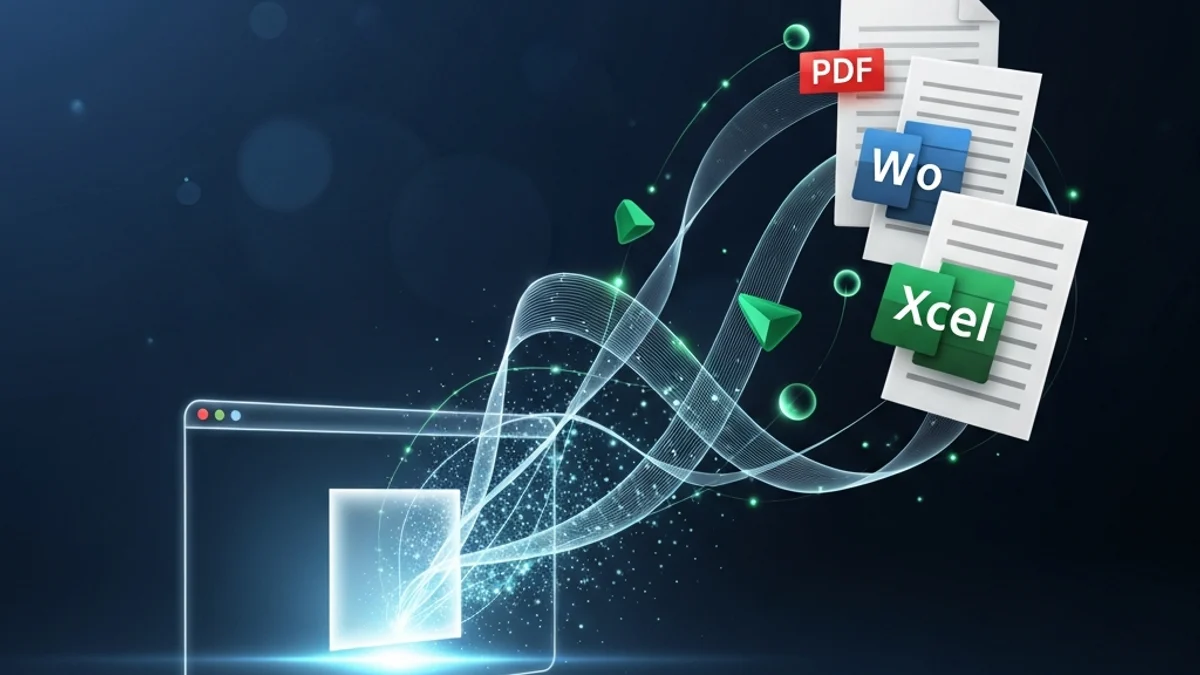
Les flux de travail IA modernes savent qu'un PDF propre est structuré différemment d'un DOCX propre, lui-même structuré différemment d'un export Excel propre. La même page source peut produire trois sorties optimisées — chacune adaptée à la façon dont ce format sera réellement utilisé.
À quoi ressemble une sauvegarde propulsée par l'IA aujourd'hui
Voici le flux de travail typique en 2026, de bout en bout :
Étape 1 — Capture
Le navigateur transmet le DOM en direct et entièrement rendu au moteur de conversion. JavaScript a terminé son exécution, les images en chargement différé sont chargées et le contenu dynamique est en place.
Étape 2 — Nettoyage
L'IA supprime le bruit : scripts, traceurs, bannières, pop-ups, navigation, publicités et éléments promotionnels répétés. Ce qui reste est le contenu significatif.
Étape 3 — Structuration
Les titres, listes, citations, tableaux, blocs de code et images sont mappés à leurs rôles sémantiques appropriés. Le document acquiert une structure propre qui reflète la façon dont un humain lirait la page.
Étape 4 — Optimisation
Des règles spécifiques au format entrent en jeu. Les PDF reçoivent une pagination propre et du texte sélectionnable. Les fichiers DOCX reçoivent des images sécurisées pour OpenXML. Les exports Excel reçoivent des cellules typées et des en-têtes appropriés.
Étape 5 — Amélioration (optionnel)
C'est là que l'IA va au-delà de la simple conversion. D'un seul clic, le même contenu peut être :
L'action « sauvegarder » et l'action « comprendre » ont fusionné.
Cas d'usage réels qui stimulent l'adoption
Ce changement n'est pas théorique. Il se manifeste dans les flux de travail quotidiens de tous les secteurs.
Chercheurs
Les universitaires et les analystes archivent des sources quotidiennement. La conversion propulsée par l'IA leur permet de sauvegarder un PDF propre et citeable *et* un résumé automatique en une seule étape, accélérant considérablement la revue de littérature.
Équipes juridiques et de conformité
Capturer l'instantané d'une page tierce comme preuve nécessitait auparavant un nettoyage manuel. Les outils pilotés par l'IA produisent désormais des PDF prêts pour les tribunaux qui excluent le contenu non pertinent et préservent exactement ce que l'utilisateur a vu.
Équipes produit et marketing
La veille concurrentielle, la couverture presse et les retours clients sont répartis sur des centaines d'URL. Les équipes sauvegardent désormais ces informations en masse dans des documents structurés organisés par sujet, avec des tags et des résumés générés par l'IA.
Professionnels indépendants
Les freelances, consultants et créateurs utilisent la capture en un clic pour constituer des bases de connaissances personnelles. Articles, fils de discussion et billets de blog passent directement du navigateur à une archive propre et indexable.
Ce que cela signifie pour la confidentialité
Plus d'IA dans le pipeline soulève une question légitime : où va le contenu ?
La norme de 2026, et celle que les utilisateurs attendent désormais, est simple :
Les outils qui ne respectent pas cette norme perdent rapidement des utilisateurs. La confidentialité n'est plus un avantage différenciant — c'est le ticket d'entrée.
Où cela mène ensuite
La trajectoire pour la fin de 2026 est déjà claire.
Sauvegardes multimodales
Sauvegardez une page une seule fois, obtenez un PDF, un document Word, un Excel de ses tableaux, une narration audio et un résumé prêt pour une présentation — le tout en un seul clic.
Sorties personnalisées
Le même article sauvegardé par un chercheur et par un lecteur occasionnel sera différent. L'IA adaptera la structure, la longueur et l'emphase à la personne qui effectue la sauvegarde.
Capture de connaissances permanente
Les navigateurs suggéreront de plus en plus *quoi* sauvegarder, pas seulement *comment*. L'IA mettra en évidence les pages qui valent la peine d'être conservées en fonction de votre travail, puis les convertira en arrière-plan.
Le web cesse d'être un lieu que l'on visite pour devenir une bibliothèque que l'on construit.
Comment Page2Doc s'intègre dans ce changement
Page2Doc a été conçu autour de ce changement précis.
Chaque conversion passe par le pipeline IA décrit ci-dessus : nettoyage, structuration, optimisation et amélioration optionnelle. Un clic dans le navigateur produit un PDF soigné, un document Word ou un fichier Excel — avec des résumés et des traductions IA disponibles de la même façon.
Aucun téléchargement, aucun compte requis pour commencer, et aucun stockage de documents. Le contenu passe du navigateur à votre fichier en quelques secondes.
La façon dont nous sauvegardons le web a changé en 2026. Page2Doc est la façon dont ça a changé.
Conclusion
Pendant deux décennies, sauvegarder une page web signifiait accepter que le résultat soit moins bon que l'original. L'IA a mis fin à ce compromis.
En 2026, le fichier que vous sauvegardez est plus propre, plus structuré et souvent plus utile que la page elle-même — et le flux de travail entier ne prend qu'un clic.
Si vous vous appuyez encore sur des captures d'écran, « Imprimer en PDF » ou le copier-coller, l'écart entre ce que vous avez et ce qui est possible n'a jamais été aussi grand. La bonne nouvelle : combler cet écart ne prend que quelques secondes.