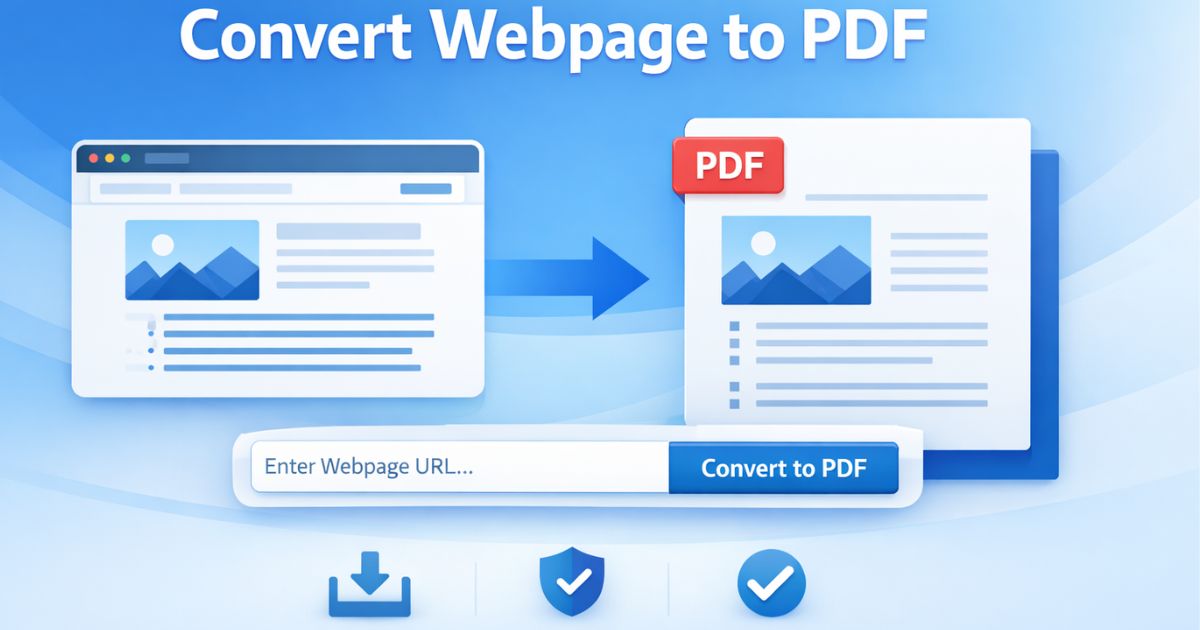
Por qué es importante convertir páginas web a PDF
Las páginas web modernas son dinámicas, están llenas de elementos de interfaz y dificultan la impresión. La función «Imprimir como PDF» del navegador captura todo — menús, barras laterales, pies de página — lo que produce un resultado poco profesional.
Page2Doc aísla el contenedor del artículo principal, reestructura el DOM y genera un PDF limpio, optimizado para la lectura y el archivo a largo plazo.
Las páginas que cargan su contenido con JavaScript pueden necesitar unos instantes antes de que todo se muestre. Page2Doc normalmente espera a que termine la actividad de red, pero las páginas muy lentas aún pueden capturarse antes de completar la carga.
El diseño del PDF también depende del contenido de la página: se extraen el texto, los encabezados, las imágenes y las tablas, mientras que las fuentes, los fondos gráficos y los elementos interactivos complejos pueden variar. Por eso conviene revisar el resultado antes de imprimirlo.
El procesamiento básico se realiza en el navegador y los elementos de seguimiento se eliminan antes de la conversión. Para páginas a las que accedes con una cuenta, usa la extensión de Chrome: la aplicación web obtiene una URL sin utilizar tu sesión, cookies ni credenciales.