Why Converting Web Pages to PDF Matters
Modern web pages are dynamic, cluttered, and filled with interface elements that make printing difficult. Traditional browser print-to-PDF captures everything — menus, sidebars, footers — resulting in unprofessional output.
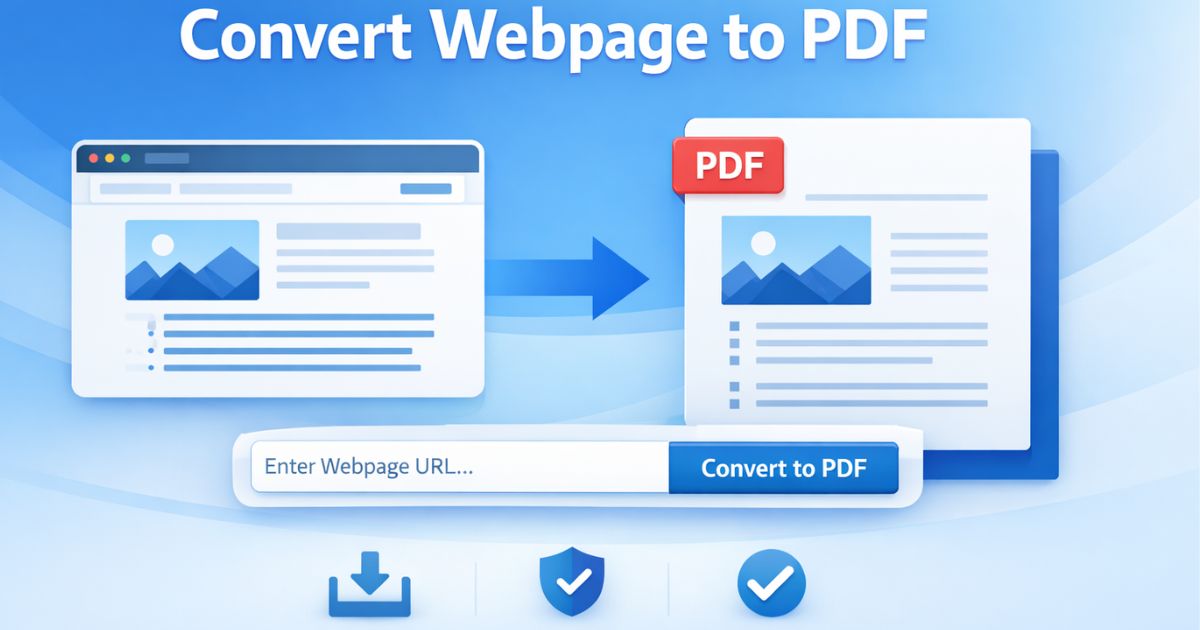
Page2Doc isolates the main article container, restructures the DOM, and generates a clean PDF optimized for readability and long-term archiving.
Because many modern sites render their content client-side, Page2Doc waits for the page's network activity to go idle before capturing it — not just for the initial HTML to arrive — so React, Vue, and other JavaScript-rendered pages are fully populated before the PDF is generated, instead of producing a blank or half-loaded page.
The output is paginated to standard A4 with background graphics preserved, so shaded code blocks, highlighted callouts, and colored table headers render the way they look on screen — something a browser's own print dialog strips out by default unless "background graphics" is explicitly enabled.
Analytics and tracking requests — Google Analytics, Google Tag Manager, Meta Pixel, Hotjar, Mixpanel — are blocked during the capture itself, so a converted PDF never carries the third-party scripts that were running on the original page.