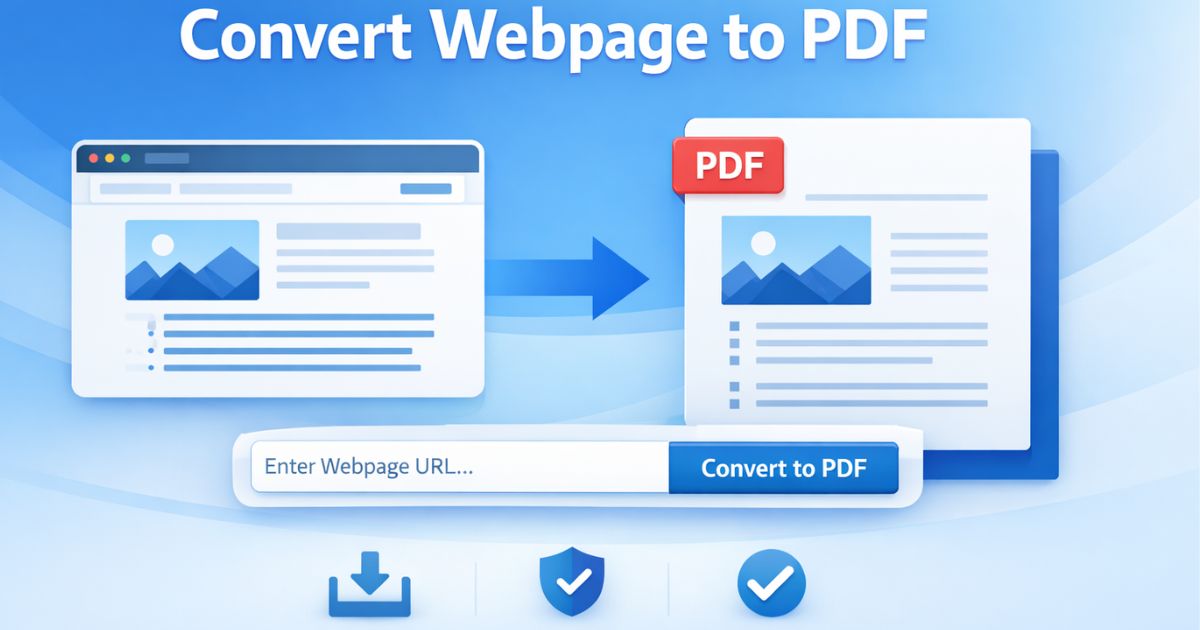
Jede Webseite in ein sauberes, professionelles PDF umwandeln

    Extrahieren Sie nur den relevanten Inhalt einer Website und verwandeln Sie ihn in ein strukturiertes, druckfertiges, zitierfähiges PDF — ohne Werbung, Navigationsleisten oder Formatierungsprobleme.

    Convert this page to PDF now

    Paste any URL below — no sign-up, no install required.

    Sofortige Konvertierung
    Keine Daten gespeichert

    Prefer to convert without leaving the page you're reading?

    • Convert while you browse — no tab switching
    • One click from any page
    • No copy/paste, no manual cleanup
    • Lives in your toolbar, always one click away
    • Faster than the web app for everyday use
    convert webpage to pdf

    Warum das Konvertieren von Webseiten in PDF wichtig ist

    Moderne Webseiten sind dynamisch, überladen und voller Oberflächenelemente, die das Drucken erschweren. Die herkömmliche Browser-Funktion zum Drucken als PDF erfasst alles — Menüs, Seitenleisten, Fußzeilen — und liefert ein unprofessionelles Ergebnis.

    Page2Doc isoliert den Hauptartikel-Container, restrukturiert das DOM und erstellt ein sauberes PDF, das für Lesbarkeit und Langzeitarchivierung optimiert ist.

    Because many modern sites render their content client-side, Page2Doc waits for the page's network activity to go idle before capturing it — not just for the initial HTML to arrive — so React, Vue, and other JavaScript-rendered pages are fully populated before the PDF is generated, instead of producing a blank or half-loaded page.

    The output is paginated to standard A4 with background graphics preserved, so shaded code blocks, highlighted callouts, and colored table headers render the way they look on screen — something a browser's own print dialog strips out by default unless "background graphics" is explicitly enabled.

    Analytics and tracking requests — Google Analytics, Google Tag Manager, Meta Pixel, Hotjar, Mixpanel — are blocked during the capture itself, so a converted PDF never carries the third-party scripts that were running on the original page.

    So konvertieren Sie eine Webseite in 3 Schritten in ein PDF

    1

    Page2Doc Chrome-Erweiterung installieren

    Besuchen Sie den Chrome Web Store und fügen Sie die Page2Doc-Erweiterung mit einem Klick zu Ihrem Browser hinzu. Keine Registrierung erforderlich.

    2

    Die gewünschte Webseite öffnen

    Öffnen Sie eine beliebige Webseite — einen Nachrichtenartikel, eine wissenschaftliche Arbeit, einen Blogbeitrag oder eine Dokumentationsseite — die Sie als sauberes PDF speichern möchten.

    3

    Auf das Page2Doc-Symbol klicken und PDF wählen

    Klicken Sie auf das Page2Doc-Symbol in Ihrer Browser-Symbolleiste, wählen Sie PDF als Ausgabeformat, und die Erweiterung extrahiert den Hauptinhalt und erstellt sofort ein professionelles PDF.

    Anwendungsfälle

    Archivierung von Recherchematerial
    Speicherung juristischer Dokumente
    Sammlung von Quellenmaterial
    Erstellung von Offline-Lesepaketen
    Sicherung von Bildungsressourcen
    Archivierung von Marktberichten

    Page2Doc vs. Browser-Druck vs. SmallPDF / iLovePDF

    FunktionPage2DocBrowser-DruckSmallPDF / iLovePDF
    Entfernt Werbung & Unordnung
    Bewahrt Überschriftenstruktur
    Lokale Verarbeitung (Datenschutz)
    Kein Datei-Upload erforderlich
    Ein-Klick-Konvertierung
    Saubere, professionelle Ausgabe
    Kostenlos nutzbar
    Funktioniert auf jeder Live-Webseite

    Web App or Chrome Extension — Which Should You Use?

    Web App

    Best when you already have the URL in hand — pasting a link into a batch of pages, converting a page you found in someone else's message, or working from a device where you can't install a browser extension.

    Chrome Extension

    Best while you're already reading — one click from the toolbar converts the exact page you're looking at, with no tab-switching, no copying a URL, and no leaving the page you're on.

    The two aren't competing tools — they cover different moments. The web app is for converting pages you're sent or need to process in bulk; the extension is for converting pages you're already browsing. Most regular users end up using both.

    Häufig gestellte Fragen

    Tutorials & Guides

    How Page2Doc Compares

    Verwandte PDF- & Konvertierungstools

    Continue Your Workflow

    What most people do next with this result.

    Popular PDF Conversion Tools

    Targeted tools for specific sources and use cases — browse all 12 PDF tools →

    Jetzt sofort in PDF konvertieren

    Zu Chrome hinzufügen — Kostenlos